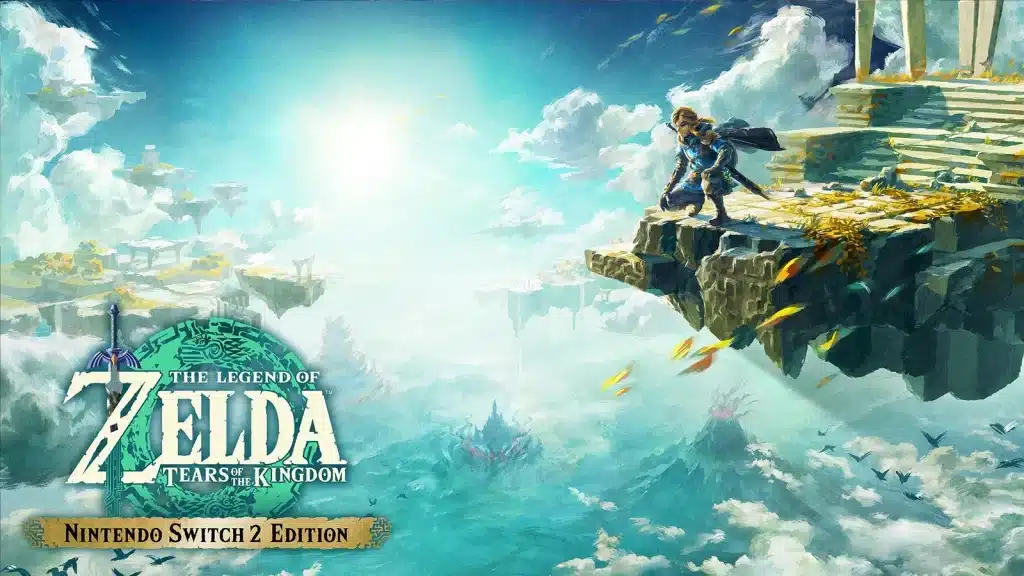
Think you’ve squeezed every last frame out of Hyrule? The Nintendo Switch 2 Edition of Tears of the Kingdom is here to make you doubt that.
Same physics playground, same story, same glorious chaos. But the way it runs changes how the whole game feels in your hands. I’ve spent a long time poking at both versions, so here’s my verdict, the numbers, and what you should test first. I tested this so you don’t have to.
The Verdict: Yes, the Upgrade Is Worth It
Tears of the Kingdom never needed fixing as a game. It needed better hardware. The original Switch version targeted 30fps and visibly struggled when Ultrahand builds, explosions and enemy camps all happened at once. The Switch 2 Edition finally gives the engine room to breathe.
- The Tech: smoother frame rate, higher resolution, sharper textures, HDR and much faster loading. Nintendo lists all of these on the official product page.
- The Content: no new quests, regions or abilities. If you wanted fresh story, this isn’t it.
- The Price: $9.99 Upgrade Pack if you own the Switch version, $79.99 for the full Switch 2 Edition at its US launch price, or included with Nintendo Switch Online + Expansion Pack for owners of the base game.
- Patched? The current version is 1.4.3 (February 17, 2026), which fixed the Black Hinox medal bug. Check our Zelda Switch 2 updates page for the full history.
Switch vs Switch 2 Edition: The Numbers
Science time. Nintendo doesn’t publish exact frame rate or resolution targets, so the Switch 2 figures below come from independent technical testing. Two separate analyses agree on the docked numbers; handheld measurements vary a little.
| Category | Original Switch | Switch 2 Edition |
|---|---|---|
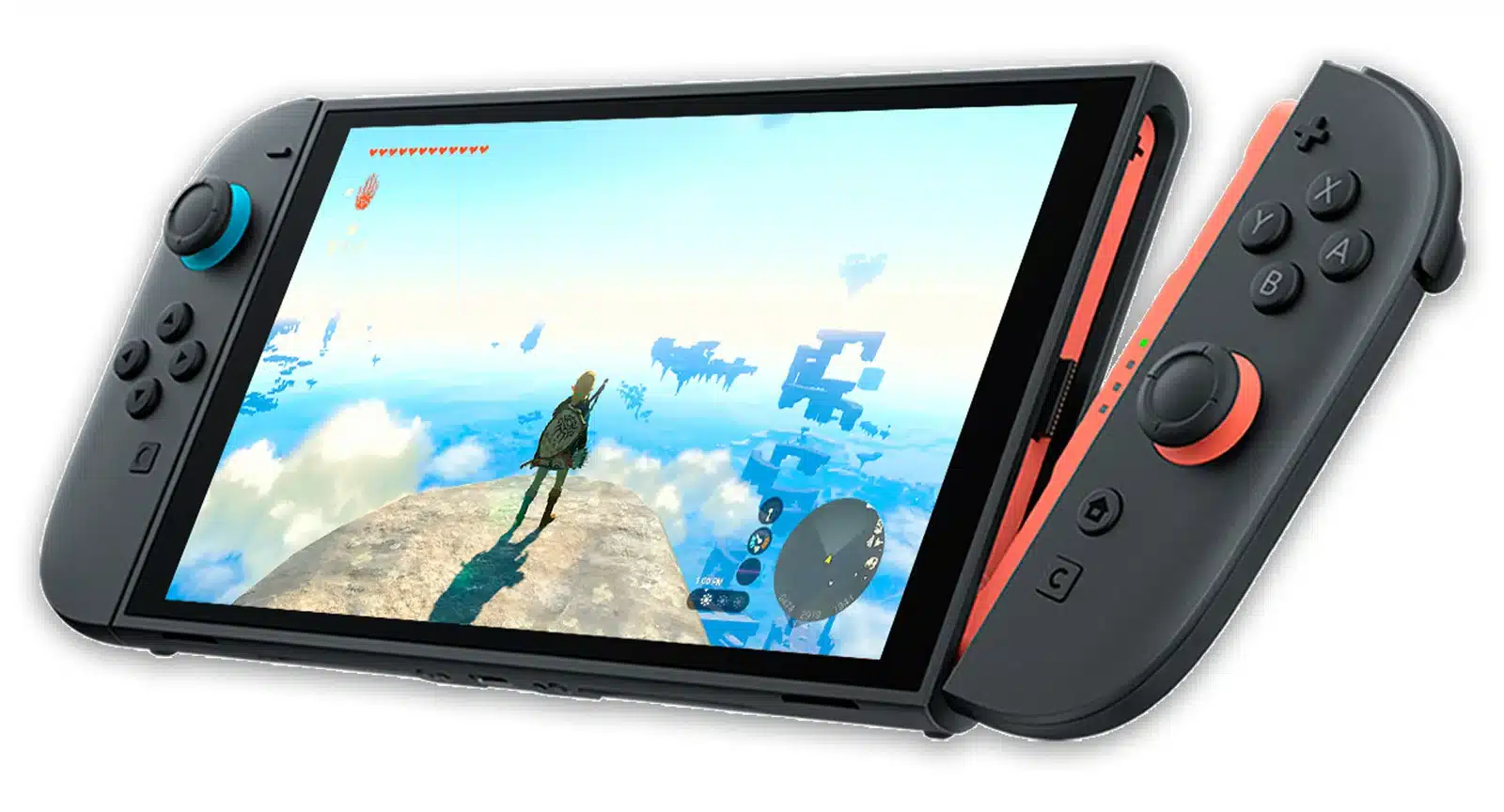
| Frame rate target | 30fps | 60fps, holds well outside heavy building |
| Docked resolution | Up to 900p | Up to 1440p (dynamic) |
| Handheld resolution | Up to 720p | Up to 1080p (dynamic) |
| HDR | No | Yes, on compatible displays |
| Loading | Long fast travel loads | Much shorter |
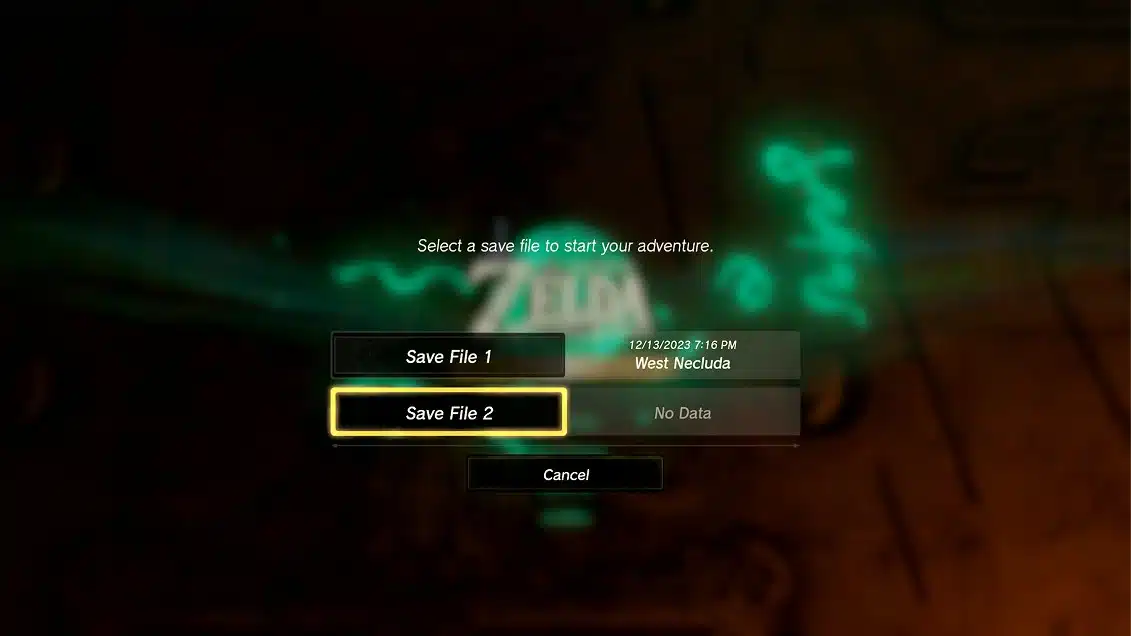
| Save slots | One | Two |
| Zelda Notes | No | Yes |
The numbers are wild: double the frame rate and well over double the pixel count docked, on the same game file you already know.
What Actually Changed in Play
60fps Changes Combat
This is the big one. Dodges, Flurry Rushes and perfect parries feel tighter at 60fps because you read enemy animations sooner. Here’s what actually happens under the hood: more frames means less input delay between your button press and Link reacting, and you feel that immediately against Lynels.
Building Is Still the Stress Test
The frame rate is rock solid while exploring and fighting. The one place it still dips is heavy Ultrahand construction, especially big multi-part vehicles. That’s also where the original version fell over hardest, so it’s still a massive improvement. Working as intended? Mostly.
HDR Makes the Depths Readable
The Depths stay pitch black until you light them, so HDR doesn’t spoil the tension. What it does is make lit areas, Brightbloom glow and Gloom far easier to read. Calibrate HDR on your Switch 2 and TV first, or you’ll get crushed blacks.
Loading and the Second Save
Fast travel between shrines and Skyview Towers is dramatically quicker. Oh, and the new second save slot is great for starting a fresh run without nuking a 100% file. One catch: that second file can’t be moved back to the original Switch version.
Zelda Notes: Mixed Bag
Zelda Notes lives in the Nintendo Switch App on your phone and needs a persistent internet connection. It has voiced navigation, Voice Memories, your own play data, Global Play Data comparisons, a Daily Bonus, Photo Studio, Item Sharing and Autobuild Sharing.
- Test Results: Autobuild Sharing and the Daily Bonus are genuinely useful. Navigation is handy for hunting specific things on a huge map.
- The Problem: it lives on a separate device. Half of this would be better inside the game itself.
- Exploit Alert: the Daily Bonus is a free daily buff roll. Check it before every session. Patch-dependent, so keep the game updated.
What Still Isn’t Fixed
- Image Quality: sharper, but edges can still look rough in places. It’s an upgrade of an old engine, not a remaster.
- Story and Voice Acting: unchanged. Link is still silent and most dialogue still isn’t voiced.
- No New Content: the Switch 2 Edition adds features, not quests. The devs clearly didn’t plan this as an expansion.
Want a broader comparison of the two Zelda games? Read our take on whether to play BOTW or TOTK first.
What to Test First
- Step 1: Turn on HDR in System Settings and calibrate it with your TV.
- Step 2: Fight a Lynel. You’ll feel the 60fps in your parry timing within minutes.
- Step 3: Drop into a Chasm and light up the Depths with a Brightbloom Seed.
- Step 4: Build something stupid with Ultrahand and watch the frame rate.
- Step 5: Open Zelda Notes and claim your Daily Bonus before you head out.
Tears of the Kingdom Switch 2 Edition FAQ
Is the Tears of the Kingdom Switch 2 Edition worth it?
Yes. For $9.99 as an upgrade, you get 60fps, higher resolution, HDR and faster loading. If you play Tears of the Kingdom at all, it’s an easy call.
Does the Switch 2 Edition run at 60fps?
Mostly, yes. Independent testing shows it holds 60fps while exploring and in combat, with dips during heavy Ultrahand building.
Is the Switch 2 Edition free with Nintendo Switch Online?
It’s included for Nintendo Switch Online + Expansion Pack members who own the base game, for as long as the membership stays active.
Does the Switch 2 Edition add new content?
No new quests or areas. It adds performance upgrades, HDR, a second save slot and Zelda Notes support.
Can I use my original save file?
Yes. Your existing save carries straight over to the Switch 2 Edition.
Final Verdict: the Switch 2 Edition is the definitive way to play Tears of the Kingdom, and one of the best value upgrades on the console. If you’re new, start here. If you’re a veteran, a single Lynel fight at 60fps might be enough to pull you back. Then go break something with our Tears of the Kingdom guides.