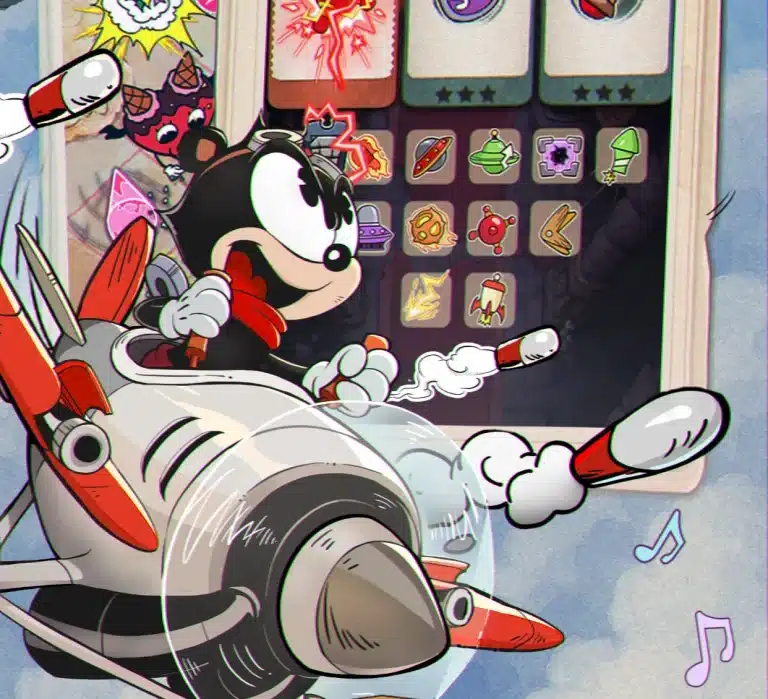
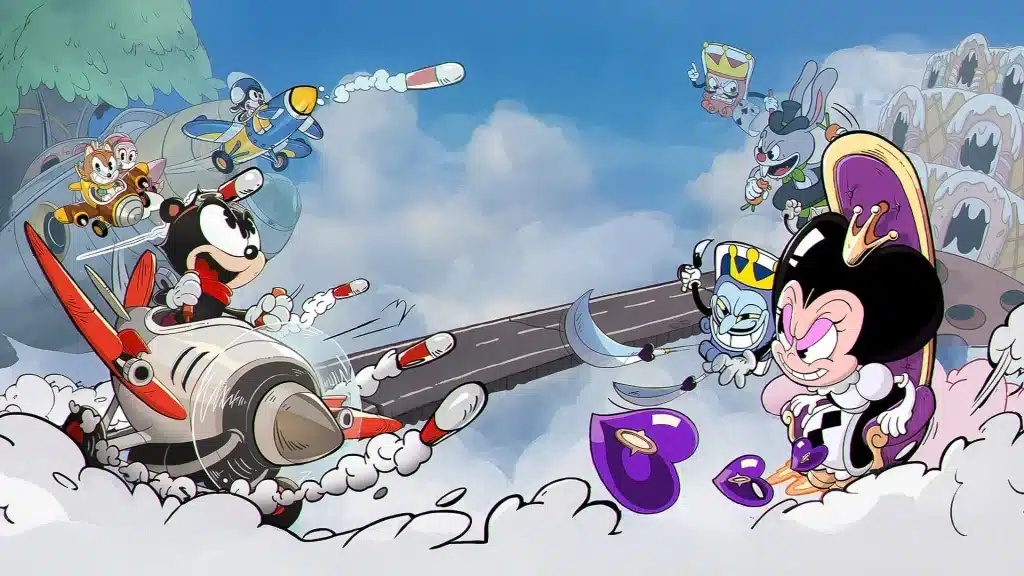
Acecraft’s controls fit on a sticky note: hold to fly and shoot, let go to absorb. That’s the whole scheme. What separates pilots who weave through bullet storms from pilots who eat every shot is how well they handle that one switch between holding and letting go. Let’s break down every input, the habits that make them click, and how to play on PC.
Every Input at a Glance
| Action | How you do it | What happens |
|---|---|---|
| Move | Hold and drag anywhere on the screen | Your aircraft follows your finger’s movement |
| Shoot | Keep your finger on the screen | Your Main Cannon fires automatically |
| Absorb | Lift your finger | Your aircraft stops and soaks up pink projectiles |
| Stunt | Absorb pink projectiles | Your pilot’s counterattack fires back at enemies |
| Ultimate | Fire it once it’s ready | A big pilot-specific attack, often a screen clear |
| Upgrades | Tap a card between waves | Pick a new attachment or level one up |
Moving and Shooting
Put your finger anywhere on the screen and drag. You don’t need to touch the aircraft itself: it copies your finger’s movement, so you can steer from the bottom of the screen and keep your view clear. While your finger stays down, your Main Cannon fires on its own. Your job is positioning, not pulling a trigger.
Some main cannons need you to line up with the target, like Pris’s laser that hits the first enemy in front of her. Others spread out or track enemies for you. Either way, where you fly is where your damage goes.
Absorbing: Let Go to Fight Back
Here’s the part a lot of guides get backwards: you absorb by lifting your finger, not by holding it still. The moment you let go, your aircraft stops and soaks up incoming pink projectiles. Absorb them and your pilot fires their Stunt, a counterattack built around their kit:
- Elsa: Frenzy Barrage powers up her Main Cannon with piercing shots for a short time.
- Pris: Predator Signal launches a barrage of Tracking Missiles.
- Sylas: Small Hat, Big Surprise sends out two exploding Whimcaps.
- Vivienne: Mirror’s Lure summons two Crystal Mirrors that fire Starlight Beams.
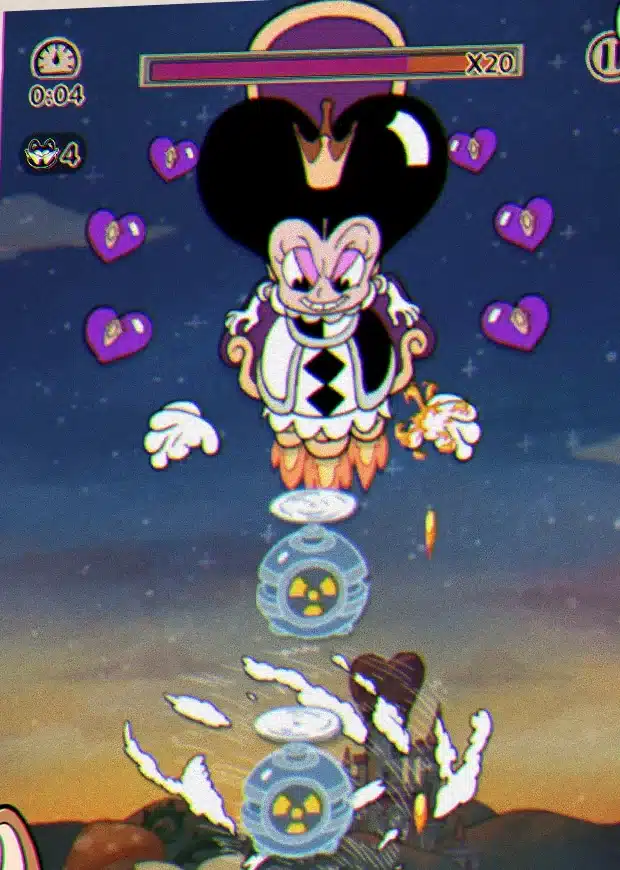
The catch: while your finger is up, you aren’t moving or dodging. Normal bullets still hurt. So the rhythm is fly, let go as the pink shots arrive, then put your finger back down and keep moving. (Pro tip: let go a beat before the pink shots reach you, not after. Late absorbs are just hits.) Our pink absorption guide goes deep on the timing.
Ultimates and Upgrades
Every pilot has an Ultimate, and many of them clear the screen of projectiles: Sylas drops a Miracle Factory, Vivienne unleashes a Starlight Stream, Pris fires an Energy Orb that blocks shots. Fire yours when a bullet wall would otherwise box you in, or save it for the boss. Between waves, the game pauses to let you pick an attachment. Take your time on those picks, because they shape the whole run. Our Attachments guide covers the best ones.
Habits That Actually Make You Better
- Anchor your thumb low. Steer from the lower half of the screen so your hand doesn’t cover the bullets coming from the top.
- Move smooth, not scared. Frantic zig-zags are the classic beginner tell. Short, deliberate slides dodge more and keep you in control.
- Drill the let-go. Replay an easy stage and practice lifting your finger the moment pink shots show up. It needs to be a reflex before you face a boss.
- Use the whole screen. Hugging a corner feels safe until a pattern sweeps it. Keep space around you so you have somewhere to go.
- Learn bosses movement first. On a first attempt, forget damage and just read the patterns. Our boss guide breaks down Chapter 1 attack by attack.
Settings Worth Knowing
Acecraft’s look is a big part of its charm, but if the old-cartoon screen effect makes bullets harder to read, you can switch it off. The October 2025 update added a Retro Filter toggle to Settings. Try a few stages with it off and see which feels clearer to you. Oh, and if your controls ever seem to freeze in co-op, check your connection before blaming your phone: Co-Pilot Mode runs online in real time.
Can You Play Acecraft on PC?
Not officially. Acecraft is out on iPhone, iPad and Android, and as of October 2026 there’s no official PC or Steam version. Some players run the Android version through an emulator like BlueStacks or LDPlayer, where the mouse takes over from your finger. That works, but it isn’t an official way to play, so it’s on you if anything goes wrong. On a tablet, the bigger screen gives you more room to dodge, which is a nice official upgrade over a phone.
Acecraft Controls FAQ
How do you absorb in Acecraft?
Lift your finger off the screen. Your aircraft stops and absorbs incoming pink projectiles, which triggers your pilot’s Stunt counterattack.
Is shooting automatic in Acecraft?
Yes. Your Main Cannon fires automatically while your finger is on the screen, so you only need to focus on moving.
Can you play Acecraft on PC?
There’s no official PC or Steam version as of October 2026. The game is on iOS and Android, and some players use an Android emulator unofficially.
Can you turn off the old-cartoon filter?
Yes. Open Settings and switch off the Retro Filter, a toggle added in the October 2025 update.
That’s everything the game asks of your hands: hold to fly, let go to absorb, steer from low on the screen and keep your movements smooth. Get those down and the rest of Acecraft opens up. New to the game? Our beginner guide walks you through your first week.