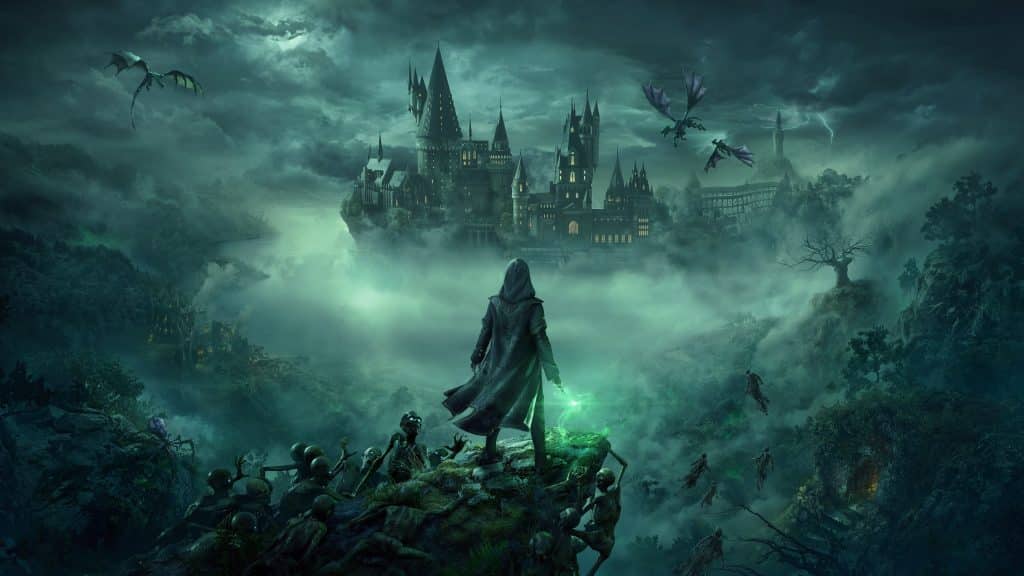
The January 30, 2025 patch for the PC version of Hogwarts Legacy reworks ray tracing from the ground up, adds NVIDIA DLSS 4 with Ray Reconstruction and Multi Frame Generation, and introduces official mod support through CurseForge.
Before this update, ray tracing in Hogwarts Legacy came with a single global quality setting. The patch replaces it with separate quality controls for each ray traced effect plus a brand new geometry setting, and it fixes a long list of ray tracing bugs PC players had been reporting since launch. The update is for PC only, so the console versions are unchanged.
Ray Tracing Changes
- Per-feature quality settings: every ray traced effect now has its own quality option, except Raytraced Ambient Occlusion.
- New Raytracing Geometry setting: controls the render distance and realism of ray traced shadows and reflections.
- Better reflections: ray traced reflections render at higher fidelity and now also appear on bodies of water, including the Black Lake.
The patch also fixes several ray tracing problems: blocky reflections on the Black Lake island, reflections flickering while flying, screen flashes, overly bright interiors, flickering LODs in the Overland, corrupted visuals on the Gryffindor portrait, and framerate drops when switching ray tracing on.
DLSS 4, Ray Reconstruction and Frame Generation
- NVIDIA DLSS 4 support
- NVIDIA Ray Reconstruction support
- NVIDIA Multi Frame Generation for RTX 50 series owners
- Updated NVIDIA Streamline SDK and Intel XeSS SDK
Official Mod Support
The same patch adds a new Play MODs option to the main menu. After linking a WB Games account, you can browse and install mods from CurseForge without leaving the game. You can start a fresh save or copy an existing one for modded play, so your vanilla saves stay safe, and each save can run its own mod setup. The mod system needs an internet connection to work.
The Hogwarts Legacy Creator Kit on the Epic Games Store was updated alongside it, with CurseForge integration and editor improvements for characters, quests and dungeons.
Heads up: Portkey Games warns that visual mods made before this patch (appearance, animation, clothing, wands, brooms, facial presets or mounts) may crash the game. Remove them from your local mods folder, then verify or reinstall the game.
How to Enable the New Settings
- Make sure Hogwarts Legacy is updated, then open the graphics settings.
- Turn ray tracing on and set the quality for each ray traced effect individually.
- Adjust Raytracing Geometry to balance shadow and reflection quality against performance.
- On an NVIDIA RTX card, pick DLSS as your upscaler and enable Ray Reconstruction. RTX 50 series owners can also turn on Multi Frame Generation.
Beyond the headline features, the patch includes stability fixes for freezes at boot, several crashes and an infinite loading screen in the One Eye Witch Dungeon, along with dozens of smaller audio, UI, environment and quest fixes. The full list is on the official Portkey Games patch notes.
Update: AMD and Intel owners got their turn in a follow-up PC patch on April 17, 2025, which added AMD FSR 3 and Anti-Lag 2, Intel XeSS 2 with frame generation (XeFG) and Xe Low Latency. Those features are not part of the January patch covered above.