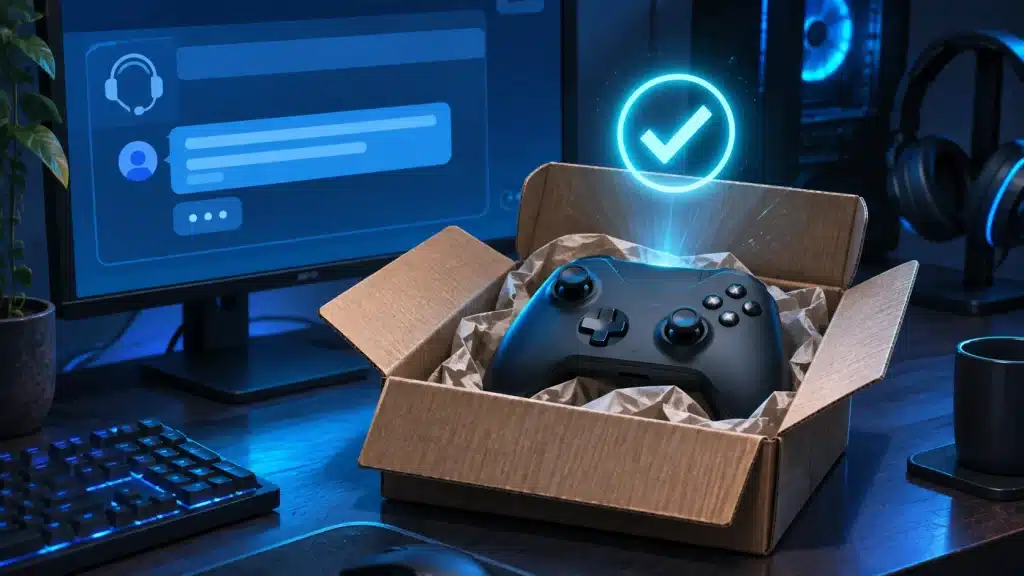
A Steam controller replacement has won Valve some goodwill this week. A Steam user got a new controller for free, even though their warranty had already run out.
Steam controller replacement after the warranty ended
According to screenshots the user shared, Steam Support looked into the fault and decided the controller had to be replaced. Support pointed out that the warranty period was over, then offered the replacement anyway as a customer service gesture. The user was then asked for their full name and shipping address so the new controller could be sent out.
The post spread quickly, passing 250,000 views. Many players contrasted it with other hardware makers, who usually refuse any free repair or replacement once the warranty ends. For a lot of people, paying for a new controller after a fault just outside the warranty window is simply expected.
It is also a reminder of how much good support matters to players. A broken controller is a small problem in the grand scheme of things, but a quick, friendly fix like this one is the kind of experience people remember and share. Plenty of replies under the post came from players saying they had been treated just as well by Steam Support in the past.
Is this Steam’s official policy?
No. This doesn’t mean every out-of-warranty request will be approved. Valve described it as a goodwill gesture, not a policy, and each case is handled individually. Still, if your Valve hardware has failed just past the warranty date, it’s worth contacting Steam Support before paying for a new one.
Things that likely help your case include a clear description of the fault, a device that was used normally rather than damaged, and a failure that happened not long after the warranty ended. None of these guarantee a free Steam controller replacement, but they give Support a reason to say yes.
How to request a Steam controller replacement
All hardware requests go through Steam Support. Here is how to give yourself the best chance:
- Open a ticket through Steam Support for the hardware you bought
- Describe the fault clearly, including when it started and what you have already tried
- Include your purchase details so Support can find your order
- Be ready to confirm your shipping address if a replacement is approved
A clear report gives Support what it needs to diagnose the problem, and gives you the best chance of a good outcome. Stay polite and patient, since hardware tickets can take a few days to get a response.
Try these fixes before you open a ticket
Some controller problems can be fixed at home, so it is worth trying a few basic steps first:
- Update the controller firmware through Steam
- Recalibrate the sticks and gyro in the controller settings
- Try a different USB cable or port, or re-pair it over Bluetooth
- Test it on another PC to rule out a software problem
If the fault is still there after all of that, you have a stronger case for a replacement and a better report to send to Support.
Valve keeps winning goodwill with players
Stories like this are part of why Steam keeps such a loyal user base. Valve has also been improving the client itself, with a recent Steam update bringing faster startup times, and fans are still watching closely for any sign of new Half-Life, like the HLX mention at GameSoundCon.
If you do end up buying new hardware or games, check when the next Steam sale starts first. You can also follow the platform’s live numbers on our Steam stats page and the RageQuit Steam charts.